Google Slides
This is the first year I have dabbled in Google apps in the classroom. We were introduced to Google Classroom at the beginning of the year but since we are not 1:1, it is difficult to use effectively. Back in December, I decided to have my students collaborate on a project to learn about holidays around the world. Instead of the traditional paper-pencil product, I decided to introduce them to Google slides.
I had only started using Google slides in the past year so I was familiar with the basics. I thought it might be a challenge for my second graders but they caught on super quick! The most difficult part was teaching them how to create their slides without deleting or messing up something their partner was working on at the same time.
They learned how to research, screen shot, insert pictures and videos, typing skills, and how to collaborate with other students.
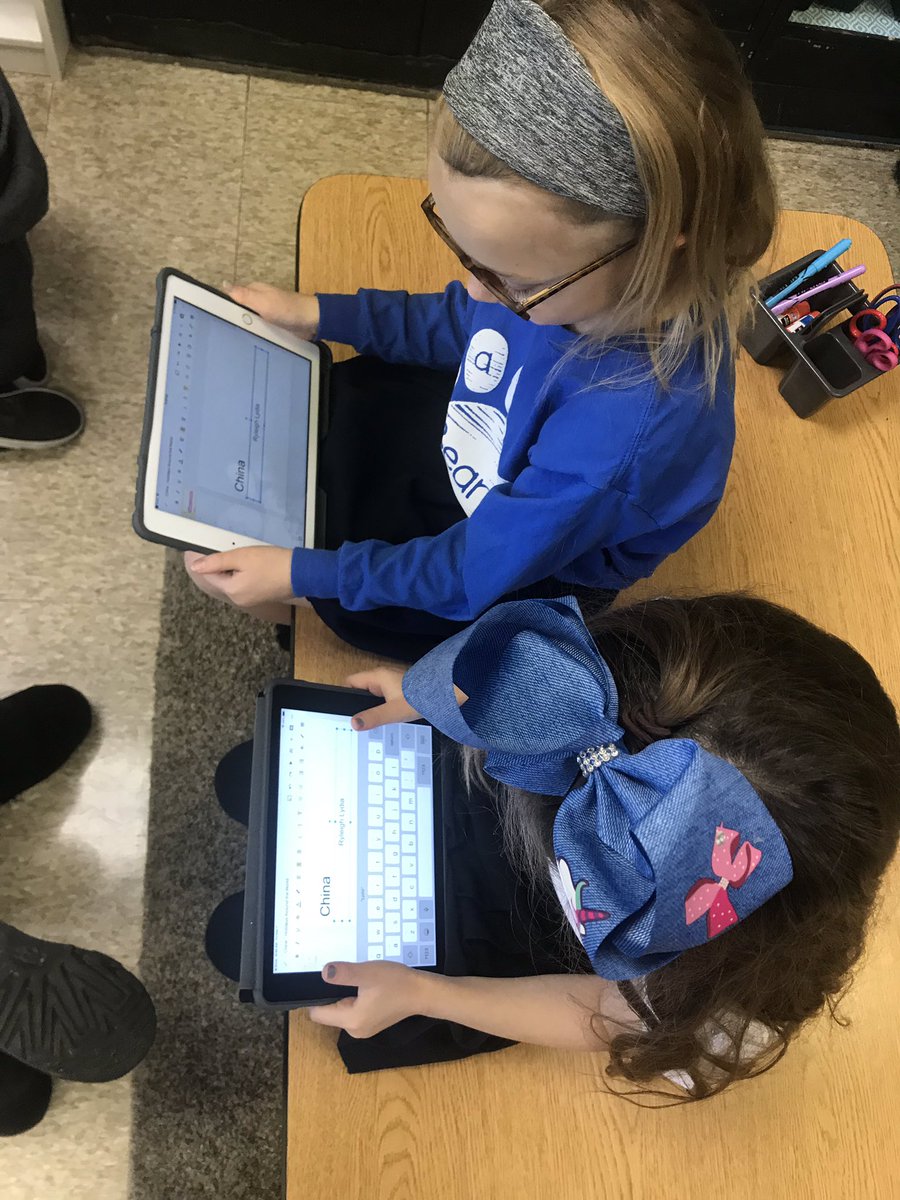
After using Google Slides for this project, my students have been able to use them on their own for their own projects. We recently completed research projects about the different states in the US. Several students were able to effectively use Google Slides at home and then to share out their findings to their classmates.
I look forward to see how I can use Google slides in the future as I learn more in my own practice.


Comments
Post a Comment